

Configuration
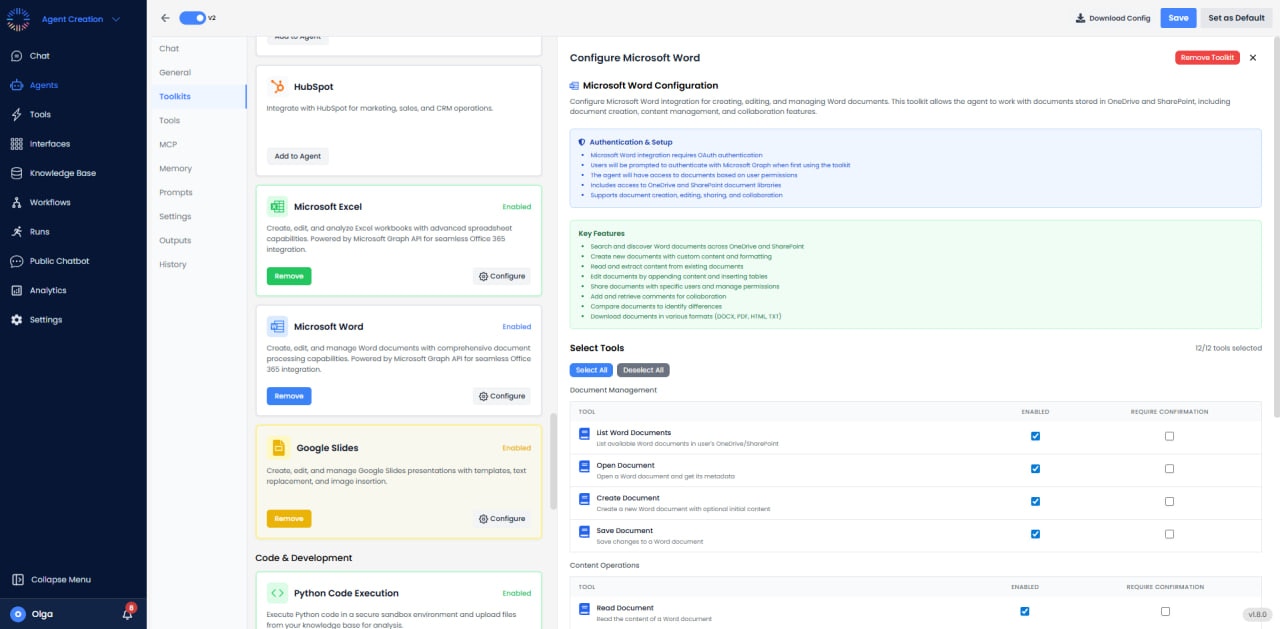
- Authentication: OAuth 2.0
- Access: Create, read, and modify Word documents
- Storage: OneDrive, SharePoint, OneDrive for Business
- Format: .docx with text, tables, images, headers/footers, and styles
Available Tools
Document Management
- Create Document: Create new Word document.
- Get Document Content: Retrieve document text and structure.
- Copy Document: Duplicate document.
- Delete Document: Remove document.
Content Operations
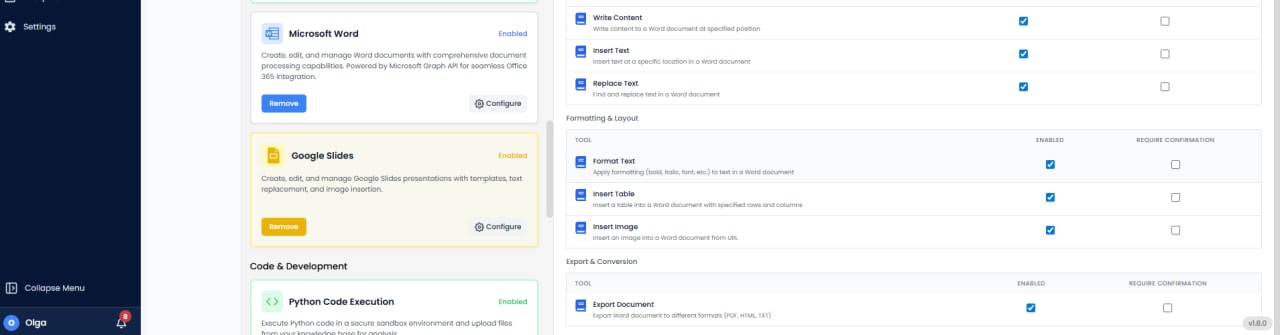
- Insert Text: Add text at specific locations.
- Replace Text: Find and replace text.
- Insert Table: Create tables with rows and columns.
- Insert Image: Add images with positioning.
- Apply Formatting: Apply fonts, colors, bold, italic, styles.
- Insert Header/Footer: Add headers and footers.
Advanced Features
- Table of Contents: Generate automatic TOC from headings.
- Convert to PDF: Export document as PDF.
Use Cases
- Contract Generation: Create contracts from templates with data.
- Proposal Automation: Generate sales proposals with content.
- Report Creation: Build formatted reports.
- Template Processing: Fill Word templates with data.
- Legal Documents: Generate agreements and legal forms.
Common Issues & Solutions
- File Locked: Ensure the document isn’t open in Word desktop. Close file and retry.
- Format Loss: Complex formatting may require using Word API rather than simple text replacement.
- Table Alignment: Use proper table styles and cell formatting for professional appearance.
- PDF Conversion: Large documents may take longer to convert; consider async processing.